
Why would you need to reset a Mazda radio on your Mazda CX-5, Mazda CX-30, or other model? There are a few reasons. The ignition system might be faulty. If you had to disconnect your Mazda’s battery to replace it or clean the leads, then the radio might lose its memory.
How to Reset a Mazda Radio
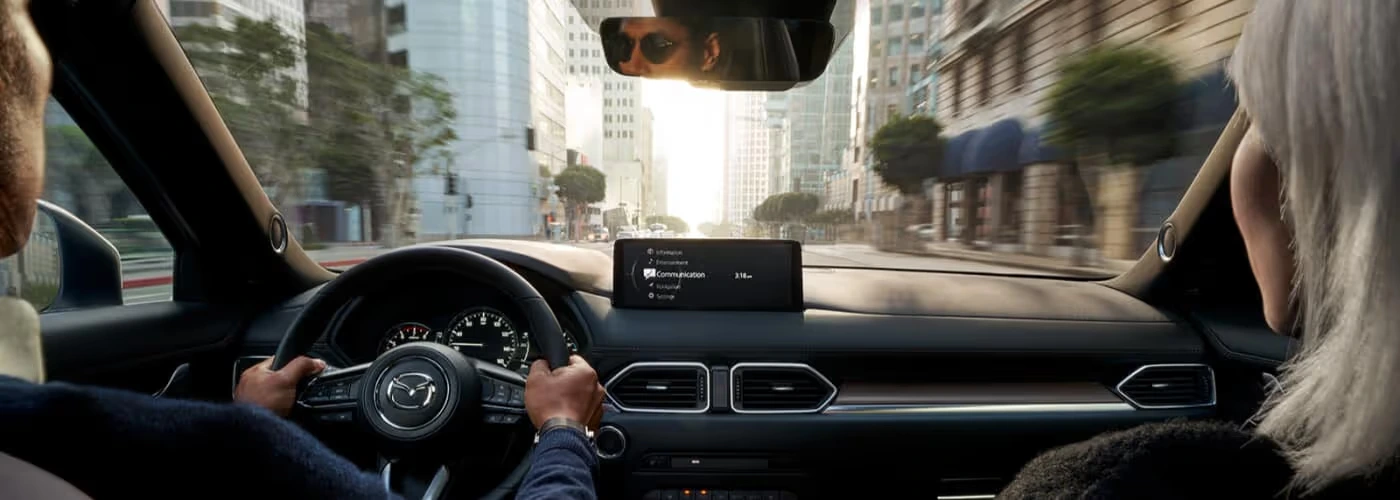
No matter what the reason, discover all you need to know about resetting a Mazda radio with our helpful guide for Medford drivers. We’ll walk you through how to reset a car radio easily.
Steps to Resetting a Mazda Radio
See the following steps for resetting a Mazda radio.
Resetting the Infotainment System
Newer Mazda models have a digital infotainment system. If you experience issues with your information display or the Mazda navigation system, look over this easy fix for Wakefield drivers.
- Reset your radio by pressing the music, navigation, and volume buttons at the same time.
- Hold these three buttons simultaneously for at least 20 seconds.
- The system should then automatically reboot itself.
Resetting the Bluetooth Connection
If you ever have trouble pairing your Mazda with another device through Bluetooth, there may be a problem with your Mazda Connect feature. Here’s how to fix Mazda connection problems very easily.
- Press and hold the volume, back, and navigation buttons at the same time for ten seconds.
- Look at the screen and keep following the instructions displayed.
This should allow you to re-establish a connection so you can continue to enjoy your favorite music, podcasts, and online content.
Performing a Software Update
If you’ve tried the two fixes we just described and your radio hasn’t improved, we suggest trying a software update. This is something you can do yourself, so there is no need to go to a Mazda dealership.
See the steps to update the software:
- Go to the home screen.
- Choose settings.
- Click Systems on the screen.
- Choose the Gracenote version, OS version, or search for software updates.
- If there is an available update, the download option will show up on the screen.
- Select this button.
- See the update starting.
- Confirm the update once finished.
Need Help Resetting A Mazda Radio? Contact Us!
Once you’ve followed all the steps in this guide, and your radio still doesn’t work, please contact us, call 978-910-0396, or schedule a service appointment. We’ll be happy to get your Mazda radio working as it should for your Stoneham drives!
